Your AI writes it.
Honkpost posts it.
Connect Claude, ChatGPT, Cursor or your own agent once. Then just ask: “post this to instagram and linkedin tomorrow at 9.”
Just ask
Tell your AI what to post, where and when, in plain words. It writes it and schedules it.
See it first
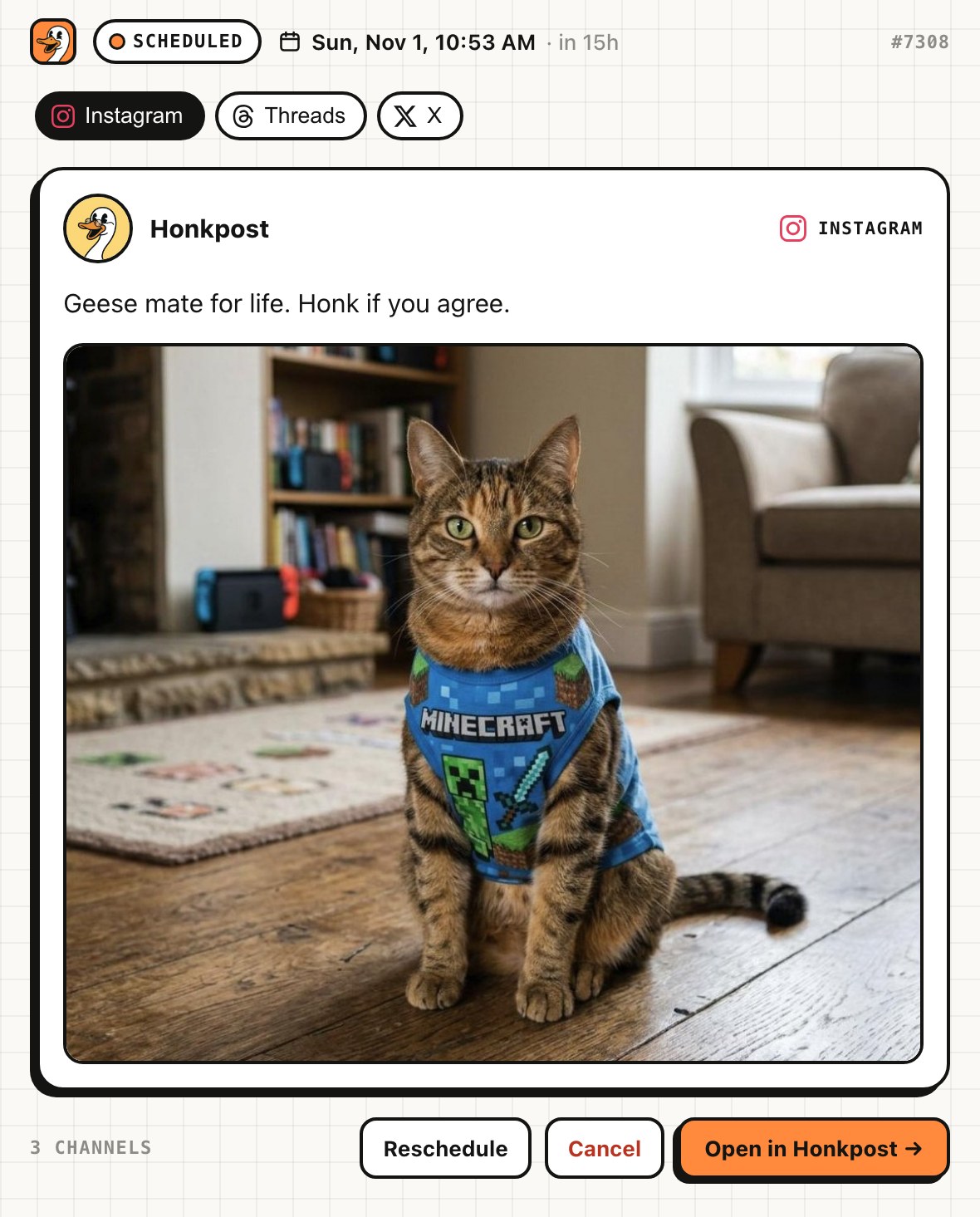
Every post comes back as a card with its time. Move it or cancel it before it goes out.
Posts on time
Honkpost publishes at the time you set, with the app closed. Nothing to keep open.
Makes the image too
Ask for a picture and it makes or edits one for the post, paid in the image credits that come with your plan.
Plug it in once.
Pick your app for its own steps. Most take a minute.
- Make a free Honkpost account and connect a social account.
- Claude: Customize → Connectors → Add custom connector. ChatGPT: Plugins → Add → Add custom MCP server.
- Paste the link below (in ChatGPT, leave it on OAuth).
- Sign in to Honkpost and click Allow.
https://honkpost.com/api/mcp?images=1
- In Honkpost: Connect AI, pick your app.
- Cursor and VS Code: click Add. Everything else: make a key and copy the snippet. The key is already in it.
- Paste it where it says: a config file or your terminal.
Disconnect any time in Settings → Connect AI.
Stuck? support@honkpost.com
Posting is a sentence.
Here’s what happens after you send it.
Post this to Instagram and LinkedIn tomorrow at 9.
Done. I wrote it and scheduled it. Here it is:
Say it like you’d say it to a person
"Post this to Instagram and LinkedIn tomorrow at 9." is enough. Your AI writes the post, picks the channels and the time, and Honkpost does the rest.
Nothing goes out unchecked
Every post comes back as a card: the text, the picture, the channel and the time. Move it or cancel it right there.
One link. Every channel.
Connect your accounts in Honkpost once. From then on any connected AI can post to any of them.
Close the app. It still posts.
Posts live in Honkpost, not in the chat. They go out on time whether the app is open or not.
Fourteen tools. No tab open.
Your AI gets these the moment you connect. Scheduled posts show up as a card you can check before they go out.
create_postSchedule a post for any time, on one channel or several.
publish_nowPost right now. Each channel reports back its link or its error.
list_scheduledWhat’s going out, and when.
reschedule_postMove a scheduled post to a new time.
cancel_postPull a post before it goes out.
get_postHow a post went, per channel.
list_channelsYour connected accounts and whether they’re healthy.
list_mediaYour Honkpost Media library, ready to attach.
upload_mediaHost an image or video from a link.
post_statsHow your X posts did: views, likes, reposts and replies.
generate_imageMake or edit an image for a post, paid in credits.
In Claude, add ?images=1 to the link to turn it on.
canvas_getRead your Canvas: its boxes, settings and results.
canvas_applyAdd, change and wire boxes on your Canvas. Never schedules or posts.
canvas_runMake the images for your Canvas Image boxes, paid in credits.
In Claude, add ?images=1 to the link to turn it on.
Every channel. One queue.
Instagram, TikTok, Facebook, LinkedIn, YouTube, X and more. One post can go to all of them.
Every plan gets the AI tools.
7-day free trial. Plans differ in how many social accounts you connect and how many image credits you get a month.
For one person posting for themselves.
For founders and small teams.
For agencies running clients’ socials.
Let your AI do the posting.
Connect it once. Then posting is a sentence, and Honkpost handles the rest.
Connect your AI